


Business Challenge:
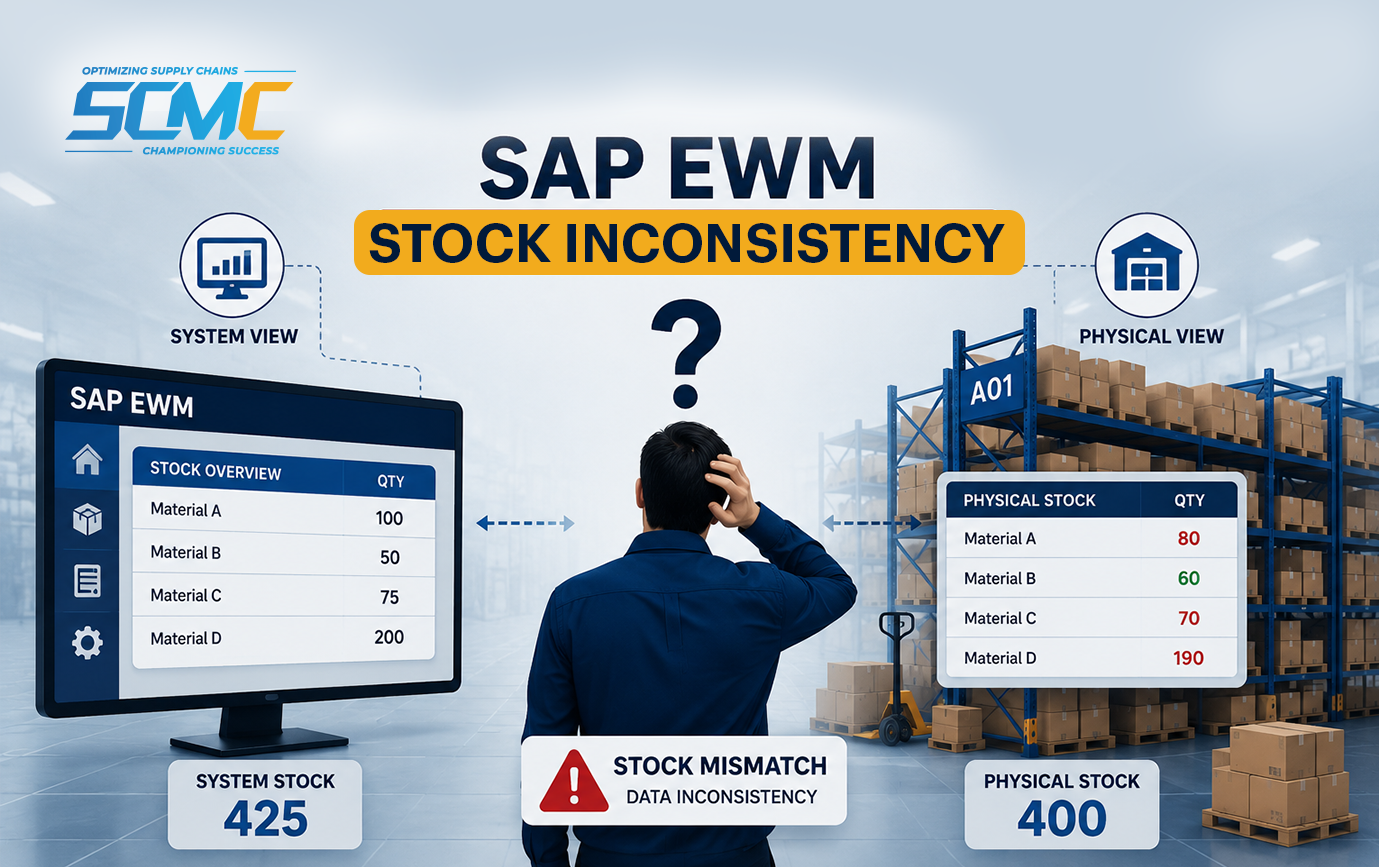
A mid-sized auto components manufacturer in Michigan,USA was running SAP EWM 9.3, about 11 months post go-live. On the surface, operations looked fine until inventory problems started showing up that no one could easily explain.
ERP was showing stock as available, but warehouse staff using EWM couldn’t physically locate it. The sales team kept booking customer orders based on what ERP showed, while the warehouse struggled to actually get those shipments out. The gap between what the system said and what was actually on the floor kept growing — at one point, over 340 SKUs were showing available in ERP but couldn’t be physically located in the warehouse.
The fallout came quickly:
Deliveries were delayed
Customer complaints increased
Financial reports began showing inaccurate inventory figures
Within weeks, management was facing something they couldn’t ignore: the organization no longer trusted its own data.
Internal teams tried manual adjustments and quick fixes to plug the holes. It backfired. Each patch created new inconsistencies between ERP and EWM. The same issues kept coming back, confidence in the system kept slipping, and the business exposure kept getting worse.
In this serious condition company connect with the SCM CHAMPS team to stabilize warehouse operations, restore inventory accuracy, and regain control of the supply chain environment.
After Analysis they identity two major root causes:
EWM vs ERP Inconsistency
EWM Internal Inconsistency
Solutions Provided by SCM CHAMPS
(A) EWM vs. ERP (IM) Inconsistency
SAP does NOT recommend direct manual changes. Instead, it provides standard tools to identify, analyze, and correct differences safely.
Detect the Inconsistency
Use SAP monitoring tools to find differences: /SCWM/MON → Warehouse Monitor Check: Stock overview Difference between EWM & ERP Identify where mismatch exists (product, bin, quantity)
Analyze Root Cause
SAP standard says: always find the reason first Common checks: Inbound (Goods Receipt not completed?) Outbound (Picking not confirmed?) Posting change incomplete? Queue failure (integration issue)? Tools: SMQ2 / SMQ1 → Queue monitoring /SCWM/QUEUE_MON → EWM queue monitor
Reprocess Failed Integration
If the issue stems from stuck or failed communication: Reprocess queues in SMQ2 / SMQ1 This syncs EWM ↔ ERP automatically (SAP’s preferred method)
Correct Using Standard Posting
If the process is broken, go through standard SAP transactions: Complete missing warehouse task Repost Goods Receipt / Goods Issue Use correct follow-on documents Avoid direct table updates
Post Difference Adjustment (If Needed)
If mismatch still exists: Use /SCWM/ADJUST_STOCK (or standard adjustment process) This aligns EWM stock with ERP
Synchronize with ERP
Ensure final consistency: Trigger stock sync (if required) Validate: ERP stock = EWM stock
(B) EWM Internal Inconsistency
SAP recommends: “Do not directly change stock — fix the broken warehouse process and clean inconsistencies using standard tools.”
Detect the Inconsistency
First, pin down where the EWM data is wrong: Use:
/SCWM/MON → Warehouse Monitor Check:
Bin stock vs available stock
Open warehouse tasks
Stock in process (putaway, picking) Find mismatch inside EWM
Check Open / Incomplete Processes
Look for warehouse tasks that were created but never confirmed. Incomplete putaway or picking tasks hold stock in an in-process state — EWM shows it moving, but it never actually landed anywhere clean. These open tasks are almost always the hidden reason behind internal EWM mismatches that teams cannot explain.
The Takeaway
Stock doesn’t lie. If EWM and ERP are telling you different things, your business is running on the wrong number — and every order, every shipment, every financial report is carrying that error forward.
The fix is not a workaround. It is fixing the broken process using the tools SAP already built for exactly this situation.
SCM CHAMPS has resolved this class of problem across multiple EWM implementations in manufacturing and distribution environments. We are an SAP recognized partner with hands-on delivery experience across North America and Europe.
If your warehouse data doesn’t match your ERP today let’s talk before it gets more expensive.