
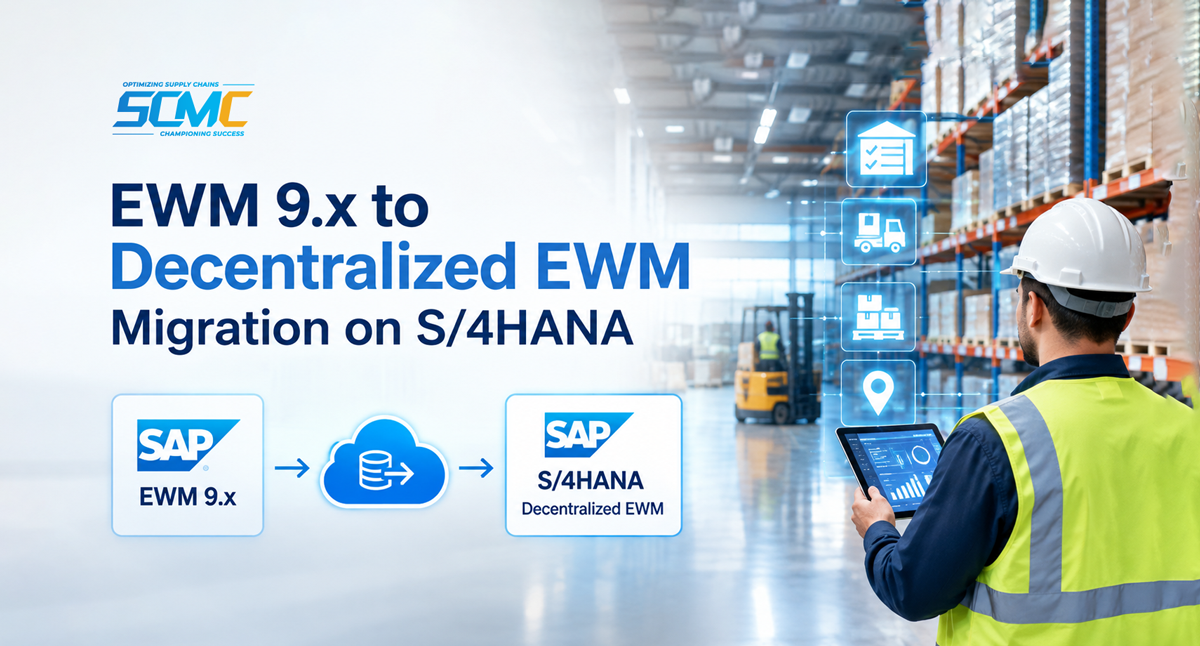
Migrating from SAP Extended Warehouse Management (EWM) to decentralized EWM on SAP S/4HANA is a significant decision for an organization, as it is more than just shifting to a new environment. It involves planning in the right direction with reliable data, custom codes, customization clarity, and defining the right warehouse-specific settings and, above all, migration readiness.
With over a decade of offering SAP EWM services, SCM Champs understands the challenges organizations face when migrating to a new EWM environment, particularly with maintaining warehouse operations and inventory accuracy throughout the transition. Another key factors that disrupt migration are the communication gaps between SAP ERP and SAP EWM systems. Based on our experience, we emphasize that successful migration begins with a clear understanding of the existing SAP EWM configuration and what we are targeting. It includes identifying what objects need to be migrated and planning the entire migration process till it go-live.
This guide is for organization leaders who are planning to migrate from SAP EWM 9.x to decentralized EWM on S/4HANA. Have a key idea about the migration process, key prerequisites to consider, and things to consider to ensure a controlled transition from EWM 9.x to decentralized EWM on S/4HANA.
SAP EWM vs SAP Decentralized EWM on S/4HANA: What You Need to Know Before Migration
SAP EWM and SAP Decentralized EWM on S/4HANA have the same core functionality. However, they differ in the use of master data, customization structure, and replication mechanism.If you are planning to migrate from SAP EWM to Decentralized EWM on S/4HANA, here are the key differences you need to understand.
Master Data
Is your master data, including materials, batches, customer records, vendors, etc., ready for migration? In SAP EWM (Business Suite), the master data is distributed from the ERP system using the core interface (CIF). When migrating to decentralized SAP S/4HANA EWM, the target system uses ERP master data and supports its distribution through ALE/IDoc-based interfaces or the Data Replication Framework. This means that, before migration, the existing master data, interfaces, replication configurations, and custom enhancements must be carefully reviewed and adapted.
Customisation Difference
Some set of data maintained in existing EWM-specific structures is represented in customized tables in the S/4HANA environment. The difference is important to understand to decide how the new configuration will be set and maintained.
Organizations should spend sufficient time to identify the configuration objects that will be affected during migration. Additionally, clear ownership should be defined to take accountability for changes in the future to avoid inconsistencies.
Is Custom Code Compatible?
The custom development built on existing SAP EWM may not behave similarly in the S/4HANA environment. The gap may be due to differences in database structure and legacy technical structures. Thus, custom code assessment is significant to identify how to reuse custom code, what needs to be adapted, and what needs to be redesigned.
New and Additional Capabilities
SAP EWM embedded on S/4HANA provides new functionalities with additional capabilities. However, all these capabilities aren’t part of the S/4HANA release. It depends on the type of customization you choose for your operational and business requirements. Organizations must therefore review the existing SAP configuration and document what is relevant and what is restricted during migration to achieve the desired result with the target SAP EWM S/4HANA.
An Overview of SAP EWM to SAP Decentralized EWM on S/4HANA Migration Process
Follow a well-planned, structured approach for SAP EWM to SAP Decentralized EWM S/4HANA migration. Identify dependencies on existing data and processes, execute a well-planned migration, and reduce transition risk. Have a look at the following steps that are equally important.
Step 1: Prepare for S/4HANA Migration
Before even preparing data and processes, the initial stage should be to define the target system. It includes the system landscape, configuration, and connected systems such as ERP and automation systems. Planning should be based on business and operational requirements.
Step 2: Evaluate and Migrate Custom Code
It is a critical technical activity, as the development code used in the existing systems may not work similarly in the target SAP S/4HANA environment. So, what should be the right approach?
Assess and evaluate the existing custom code
Organize relevant custom code to migrate from the source system to the target system.
Review legacy product master data
Identify users that are associated with the previous master data replication
Evaluate enhancement points for the target interfaces.
Review legacy batch data structures and classification types
Check custom logic that identifies customer and vendor relationships
Assess custom fields associated with legacy product structures
Determine how legacy product structures will be represented in the target environment.
Classify custom code into the following categories-
Reuse: Compatible, so use it without any modification
Redesign: Adapt to the changing data structures, APIs, or interfaces.
Retire: Determine which custom code is no longer useful
Step 3: Migrate Customized Codes
Migration is not just about transferring configuration from one system to another. Along with technical upgrades, the team must also be prepared to adapt to change. Here are some practices to avoid risks with the transition-
Pay more attention to configurations that are critical to handle
Compare the synchronisation of the new configuration with the corresponding ERP setup.
Review and resolve inconsistencies and missing entities
Migrate with confidence with reliable data and process
Step 4: Activate the Master Data Replication
Once the new system configuration is set up and custom code is migrated, the master data interfaces must be activated.
The master data must be validated before warehouse cutover.
Cross-check whether the records are available in the target system and the replication process works as expected.
Pay attention to mapping rules, custom enhancements, and dependencies between master data objects.
Step 5: Migrate Warehouse-Specific Objects
Once the master data and configuration are validated, migrate the warehouse-specific objects into the target EWM system. Here are some key warehouse objects that you need to consider-
Supply Chain Units: This object must be migrated manually in the target system
Storage Bins: Once the warehouse configuration is available, migrate the warehouse storage bins.
Bin Sortation: Migrate storage bins after the activity areas are ready.
Fixed Bin Assignments: Ensure that storage bins and relevant products are available before migrating to a fixed bin.
Warehouse Stocks: Stock migration depends on prerequisite data, which includes storage bins, materials, batches, and other relevant objects.
Step 6: Migrate Current Warehouse Settings
The target SAP S/4HANA system requires operational settings to run the warehouse. Before migration, review the following key areas-
Users and Authorizations: Transfer roles and assign accountability wherever required.
Output devices: Configure additional devices that are associated with the target environment.
Resources: Validate resources, queue sequences, and prerequisites.
Production Integration: Validate production supply areas and assigned bins
MFS Configuration: Identify communication points, communication channels, object mappings, and programmable logic controller settings.
Shipping and Receiving: Verify staging areas, supply chain units, and transportation units.
Document Everything: Keep a record of each item, whether it is migrated using a standard object or transferred manually or supported through another mechanism.
Step 7: Close Open Documents that are No Longer Relevant
Open documents cannot be simply carried forward during migration. Identify documents and decide how each needs to be handled with the migration. Here is the list of documents that need to be reviewed-
Inbound and Outbound Deliveries: Delete or complete partially processed delivery documents.
Warehouse Tasks: Cancel or process open tasks. Include tasks that are on hold.
Telegrams: Delete unprocessed or unconfirmed telegrams.
Unprocessed IDocs: Resolve outstanding messages to ensure that they do not create inconsistent processing during cutover.
Inventory Documents: Complete or cancel inventory documents that remain open during transition.
Value-added Service Orders: Delete or process outstanding VAS orders.
Transportation Unit Activities: Complete open transportation-related activities before transition.
Quality Inspection Documents: Review dependencies of open inspection documents during transition.
Step 8: Execute Go-Live
It is the point where the existing SAP EWM systems are transitioned to a new decentralized EWM environment. Warehouse cutover plans should define stock migration, operational freeze, final reconciliation, and release of warehouse users. Here are the important things to consider before Go- Live:
Perform Source-System Stock Check
Analyze pre-cutover stock position by comparing the ERP stock against the existing EWM system.
Perform Source-System Stock Check
Analyze pre-cutover stock position by comparing the ERP stock against the existing EWM system.
Migrate Warehouse Stock
Ensure that the required prerequisites are met to execute the planned stock migration as per the planned target environment.
Target-System Stock Check
Compare ERP stock against target system post migration to avoid discrepancies.
Validate Migration
Validate data and migrated stock to ensure consistency and ensure that the target system is capable of supporting the desired warehouse processes.
Activate Business Documents
Once the validation checks and required cutover activities are completed, replicate the business documents to the new SAP EWM systems.
Release Warehouse Users
Share accountability and assign users post go- live under a controlled environment.
Request a SAP EWM S/4HANA Migration Assessment. Contact SCM Champs
How SCM Champs Helps with SAP EWM 9.x to SAP Decentralized EWM on S/4HANA Migration
We help organizations to migrate with a structured approach. Here is how we help and execute the transformation with the right guidance and support-
Assessment of the existing SAP EWM landscape
Prepare the environment for transformation
Migration of relevant custom code
Migration of customization
Activation of ERP master data replication
Migration of warehouse-specific master data
Assessment of current settings
End-to-end testing support
Training and Continuous improvement
Go-Live day
Post go-live support
Get guidance from experts to define a clear migration roadmap and ensure reliable end- to end migration support. From planning to go-live and beyond. Talk to an SAP EWM Expert.
Wrap Up!
Make sure to complete the checklist before migration, after cutover, and after SAP EWM S/4HANA go-live. Before migration, ensure the target release is within the defined scope. Before cutover, validate master data, prerequisites, and configuration, and ensure execution is performed as planned with the right custom codes and integration during go- live. Plan Your SAP EWM S/4HANA Migration.
Assess your current SAP EWM landscape, identify migration gaps, and execute transformation with a clear roadmap. Get expert guidance from SCM Champs